[AI development start_003] Create multilingual features
# Create Multilingual Features
-I 'm creating this blog, but I think it would be nice to have Korean and English together.
I made it so that it can be swapped with KO/EN buttons..
The article I wrote is only stored in what I wrote, so if I wrote it in Korean, I can't read it in English.
- So when you save it in A, you can write it in Korean and English and save it in two versions.
-But, I don't have a DB. So, I made the .md file save as two files as .en.md and .en.md.
- It was automatically translated using the API when saving, but in that case, API traffic and fees may be continuously charged depending on the traffic, so it was bypassed by the method of storing. Then, I made it so that I could save the translations after checking them.
# # Compose Prompt
Yesterday when I asked you to translate the post file in front of .md to en.md or en.md I told him that it would be better to manage it like this. When I write, I choose a language How do you make it possible to write in two versions? Then even if you don't constantly translate with the API, It becomes, automatic translation only when writing, and I check it and write it.
# # Results
ा Good approach. I'll check with the current admin editor first.

  Read 1 file (ctrl + o to expand)

ा I will also check the API route.

  Searched for 1 pattern, read 2 files (ctrl + o to expand)

ा You have understood the code structure. This is great. Specifically, how it changes
  Let me clear

  that up for you.---
  Change file structure

  content/posts/
    hello-world.en.md ← English version
    hello-world.en.md ← English version (if not, show translation badge)

  ---
  Changes you'll need to make

  1. lib/posts.ts
  - slug.en.md → slug = hello-world, lang = en parsing
  - getPost (slug, locale) — load file for locale, otherwise fallback to another language

  2. Admin Editor
  - Added language tab (Korean | English)
  - Enter separate content for each tab

- Translate the contents of → one tab of the automatic translation button and fill the other tab with drafts
  - Save as written language file at the time of saving

  3. API routes
  - Save: slug.md → slug. {lang} .md
  - Delete: delete only the language files

  4. Migrate existing files
  - Currently need to add → language notation for 5 files

  ---
  Pros and cons

  Benefits
  - No real-time calls to translation APIs → Fast and reliable
  -Hand-check translation quality
  - Advantage in SEO (actual content present)

  Cons
  - The scope of change is quite large (both lib, admin and API)
  - Manage 2 files per post
  - Need a policy on how to handle posts without an English version

  ---

Should I implement it? If so, should I do the same with the existing file migration, or fallback when there is no English version
  I want to know what to do first.
He responded in this way. A real child looks like a good secretary. When I did this, I also explained the advantages and disadvantages, and asked only the points I should set... It's great.
! [2026-03-28] (https://raw.githubusercontent.com/hyunseokyu1-netizen/backtodev/main/public/images/___________2026-03-28______9_06_38_1774712525084.png)
! [2026-03-28] (https://raw.githubusercontent.com/hyunseokyu1-netizen/backtodev/main/public/images/___________2026-03-28______6_35_05_1774712417642.png)
# # Prompts
If there is no ❯ English version, it should be shown as an existing Hangul file, and there is a file that has not been committed now, Please check, commit, and deploy first.
Deployment complete. Summary of changes:

  ---
  How it's changed

  ┌────────────────────────────┬───────────────────────────┐

│             Before             │            and after
               │  ├────────────────────────────┼───────────────────────────┤
  │ slug.md + frontmatter lang │ slug.en.md/slug.en.md
     │  ├────────────────────────────┼───────────────────────────┤
  Load │ saved files directly with│ real-time API translations
       │  ├────────────────────────────┼───────────────────────────┤
  │ Translation button (for readers) Create draft         │ translation (for authors) │

└────────────────────────────┴───────────────────────────┘

  How to write in Admin
  1. Create a new post Write the content in the → Korean tab
  2. Click on the Translation Draft ↔ in → English button Auto-go to English tab + Create draft
  3. After reviewing/modifying the English content, click on Save & Release (EN)
  4. Return to the Korean tab and click on Save & Deploy (KO)

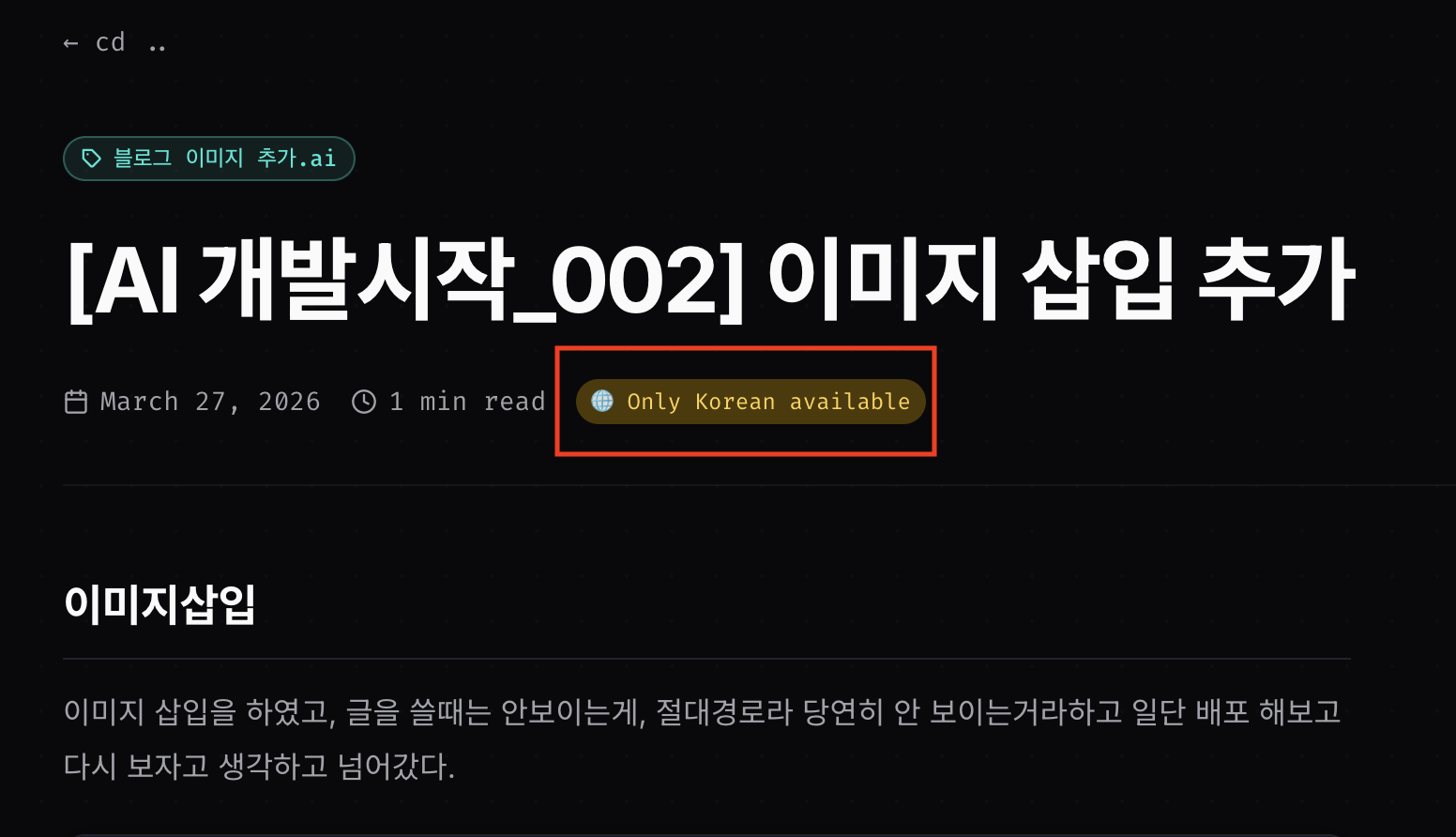
  fallback Handling: If there is no English version, show it as a Korean file, and in the meta line, "Only Korean
  show available "badge
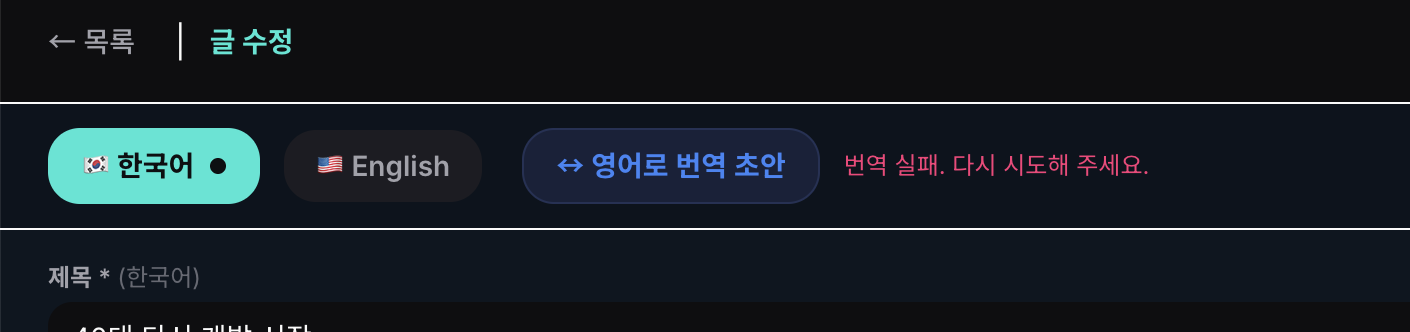
❯ [Image # 3] I pressed the English translation on the admin page, but it can't be translated. Please check.
  [Image # 3]

ा This is likely a MyMemory API call issue. Check the current code.

  Read 1 file (ctrl + o to expand)

I found an issue. MyMemory API has a 500 character limit per request, but the current code is
  We are dividing the chunk by the number (400 words), so the Korean long text far exceeds 500 characters. The number of characters
  make changes based on it.

Distributed. Summary of Causes and Modifications:

  Cause: The MyMemory API is limited to 500 characters per request, the old code is based on 400 words
  The Korean language has a high number of characters per word, so one chunk far exceeds 500 characters, resulting in an API error.
  It's gone.

Correction: chunk separation by 400 characters, additional separation by sentences if paragraph is long, error message also
   improved to show the actual cause.

  Deploy Vercel (1-2 minutes) and try again!
When coding AI,
I feel like I'm learning from a senior developer by looking at how AI that appears in the log is recommended and how it works.
backtodev
A 40-something PM returns to code. Learning, failing, and growing.