Installing Ollama and getting started with local AI
Recently, I keep seeing issues with Claude token usage and cost.
Suddenly, I realized that I might have to use AI offline when I'm not online.
It's like when people used to buy mp3s, even though they could listen to them through streaming.
So I first thought about installing DeepSea, and then I looked into which model would work for me.
My computer is a MacBook (16GB), so it's not a high-end machine. I wanted something that fits my computer, can help with coding, and can hold a decent conversation in Korean.
Which model is right for my MacBook?
1. Qwen2.5-Coder (큐멘2.5 코oder)
This is Alibaba's big hit in China and currently dominates the local coding model market. Although it was trained mainly on English and Chinese, the Qwen2.5 series includes a lot of multilingual data by default, so it can understand Korean questions quite accurately and handle Korean-annotated code well.
- Recommended size:
qwen2.5-coder:7b(about 4.7GB) - Features: It can write, debug, and refactor code in ways that commercial models like GPT-4o can't easily match. It runs a little hot on a 16GB MacBook, but as a coding assistant it's the most reliable.
ollama run qwen2.5-coder:7b
2. EXAONE 3.5 (엑사원 3.5)
This is a Korean AI model developed by LG AI Research and released as open source. Because it was made by a major Korean company, it is very strong at understanding Korean context and Korean coding questions.
- Recommended size:
exaone3.5:7.8b(about 4.8GB) - Features: Korean conversation quality is excellent. Even though it is not a coding-specific model, it works well for explaining development concepts in Korean and writing basic to intermediate programming code.
ollama run exaone3.5:7.8b
Installing
1. Install from the official Ollama site
When you visit ollama.com, the installation command is shown right away.
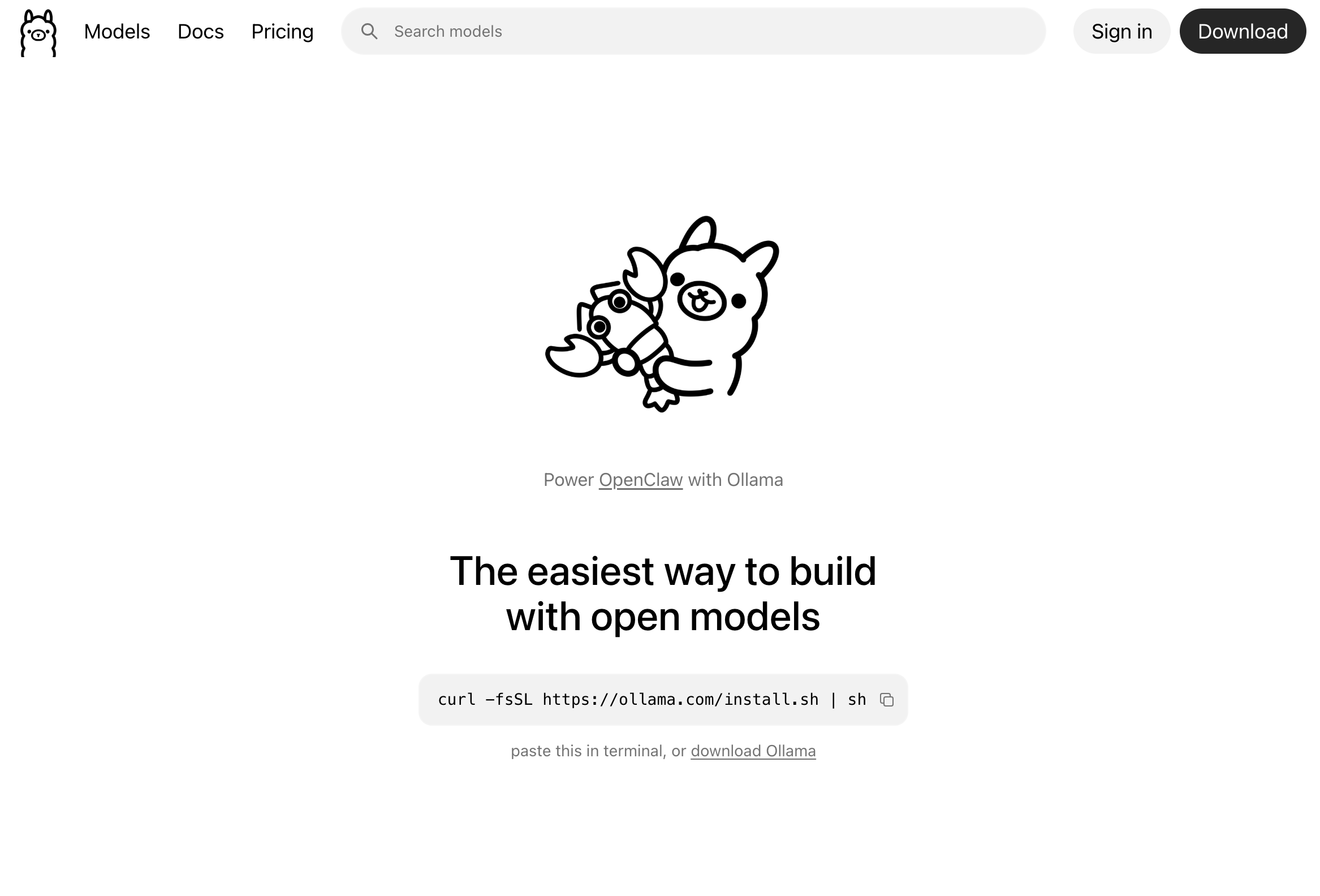
Copy the command from the site and paste it into your terminal.
curl -fsSL https://ollama.com/install.sh | sh
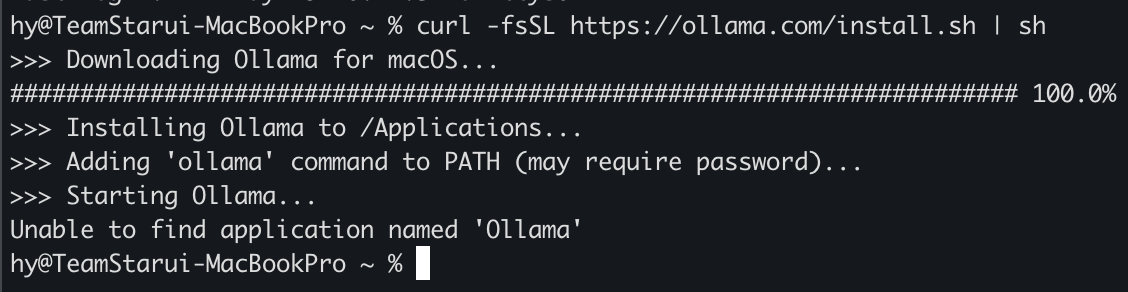
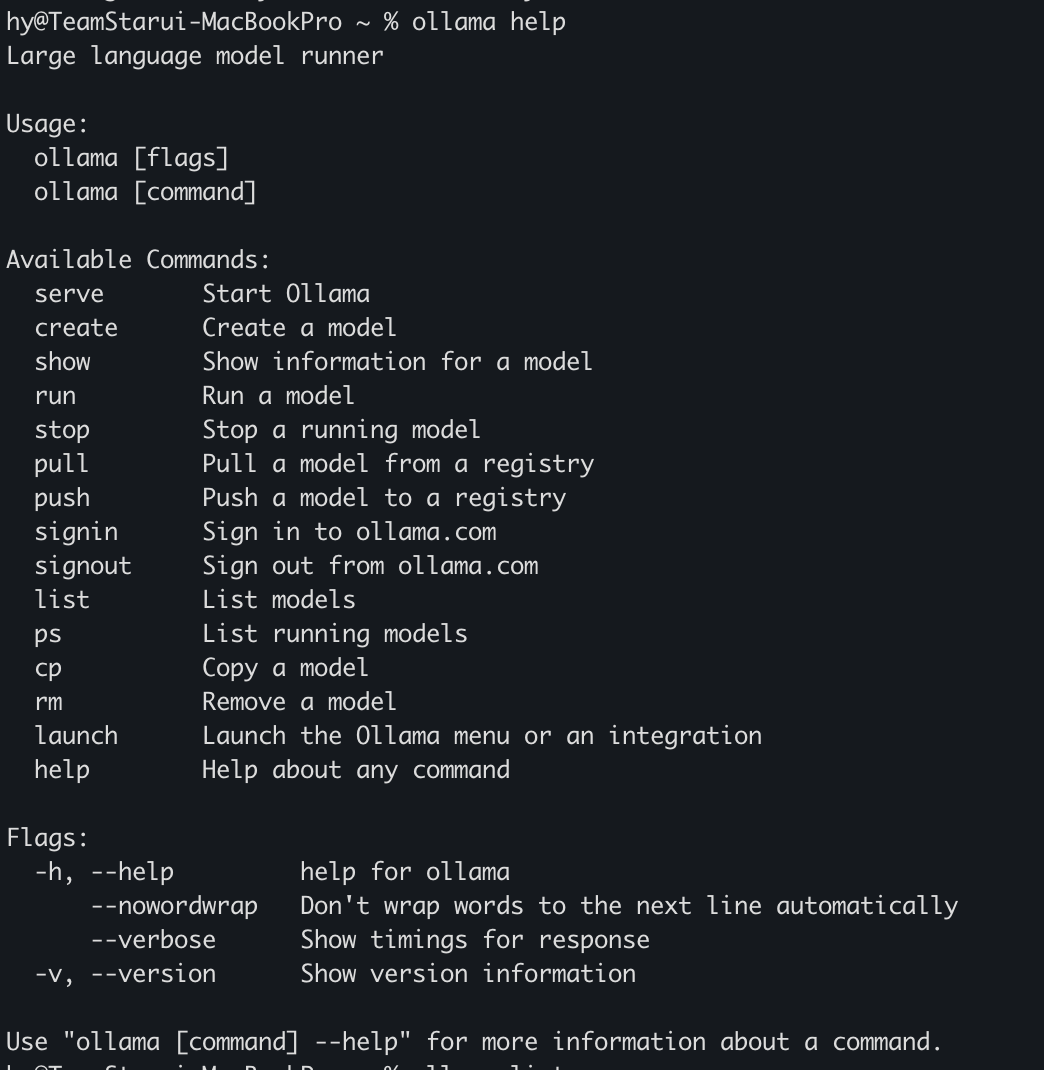
2. Check the usage
3. Install the models
- qwen2.5-coder:7b
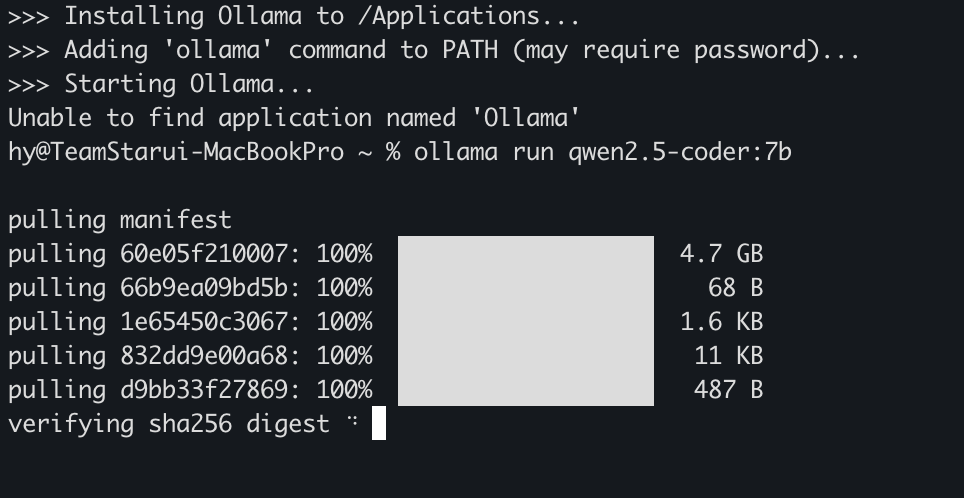
ollama run qwen2.5-coder:7b
- deepseek-r1:1.5b
My computer specs recommended the 1.5B model, so I installed that as well. It's lightweight at 1.1 GB.
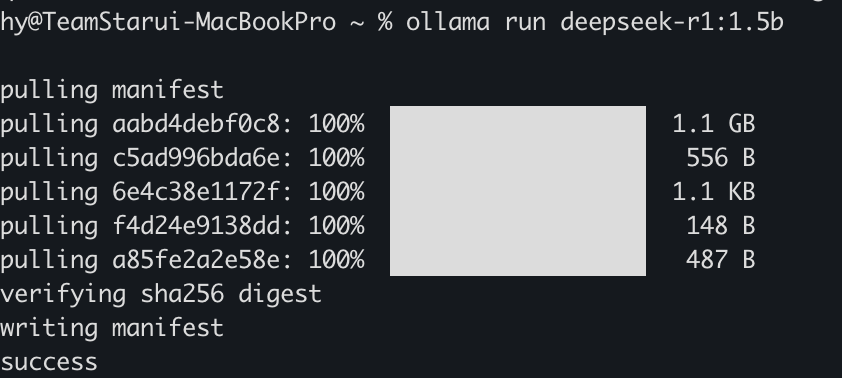
ollama run deepseek-r1:1.5b
Run screen
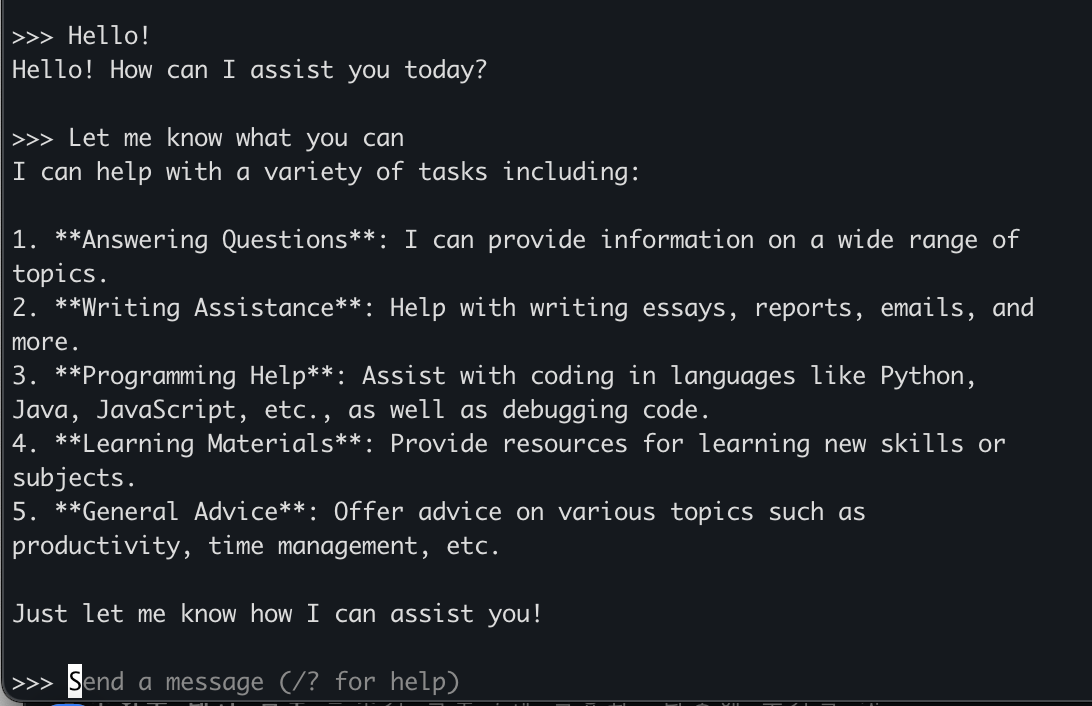
It's definitely slower than Claude or Codex. Still, I'll give it a try.
backtodev
A 40-something PM returns to code. Learning, failing, and growing.