Paddle Domain Review: Matchida (Typeform Survey) Answer Guide
Paddle Domain Review: Matchida (Typeform Survey) Response Guide
I received the following email from Paddle regarding a review issue.
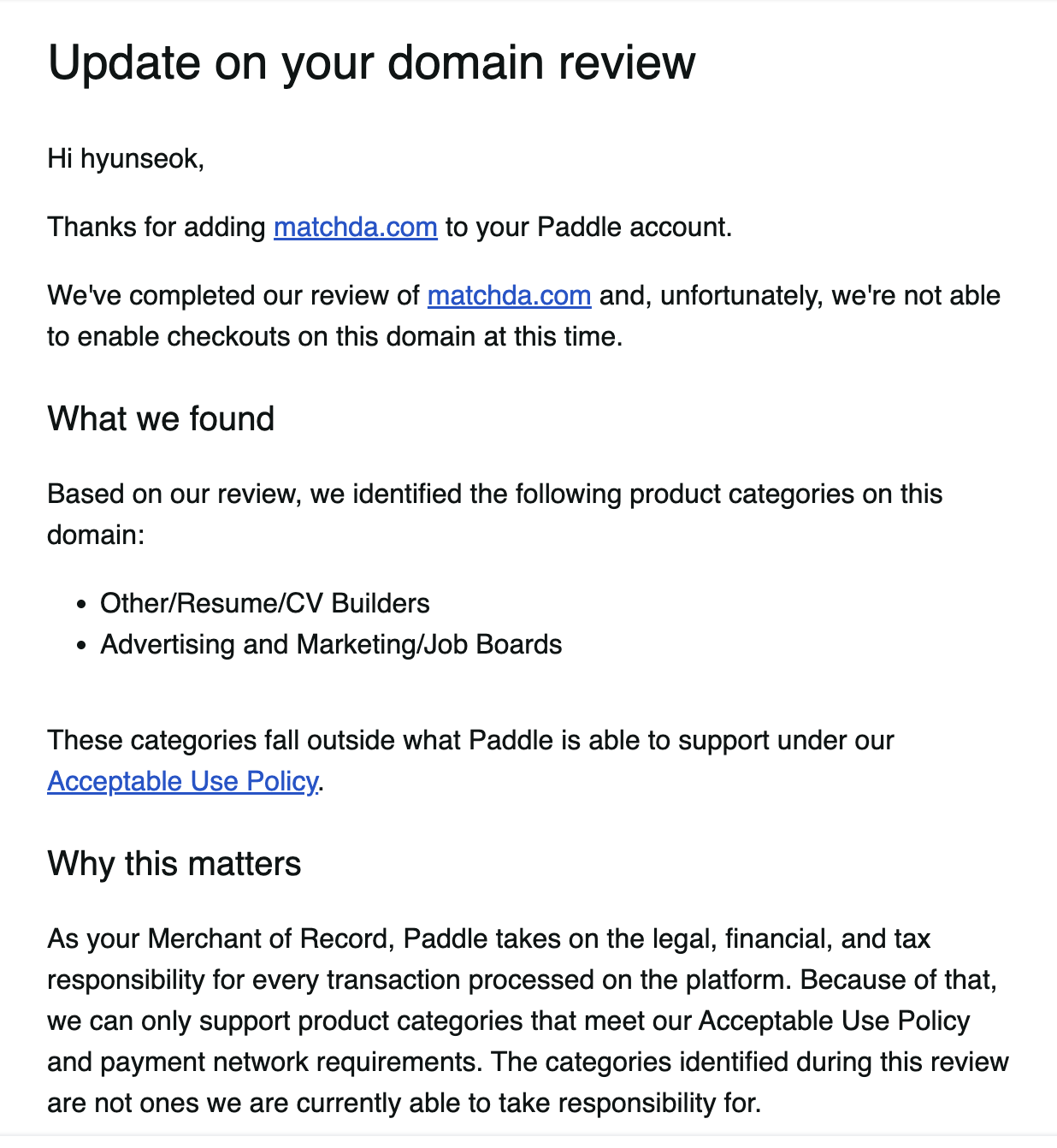
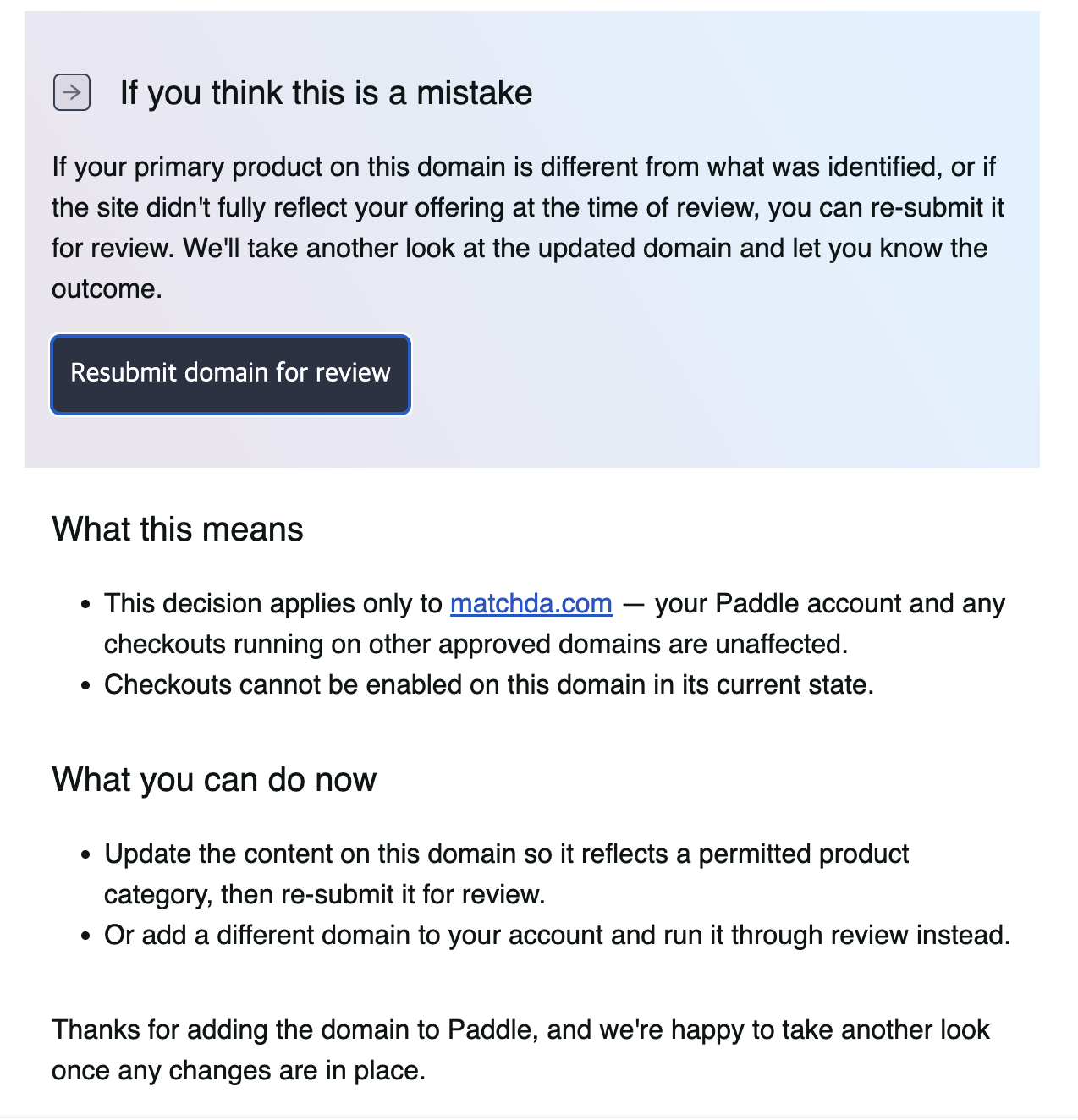
While undergoing domain and product review on Paddle, I filled out the Domain - Additional Information Typeform.
This form includes questions that require relatively detailed explanations about the service, so I’ve summarized how I answered them based on “Matchda,” the resume-writing assistant service I operate.
Context: This post documents my responses to the questions I received via Typeform while undergoing the
Paddlepayment and domain review process.
1. Select Product Type (Select what best matches your product(s))
Question:
Select what best matches your product(s)*
We can assume the Typeform dropdown menu included categories roughly as follows:
- Artificial Intelligence
- Business Management Software
- Crypto
- Development Tools
- Digital Content
- Editing Software
- Gaming
- Hosting
- Human Services
- Learning Software
- Marketing Software
- Other Software
- Productivity Software
- Software Resale
- Technical Support
Since Matchda is a “web-based service that helps users write resumes and apply for jobs,” I ultimately selected the following option:
- Selected option:
Human Services
Reason:
- A service that helps users achieve the personal goal of finding a job or changing careers
- Although the functionality strongly resembles SaaS, we determined that it is essentially closer to a human-centered service (Human Services) related to careers and recruitment
Alternative options to consider:
- If you want to emphasize the functional classification:
Productivity SoftwareBusiness Management SoftwareOther Software
2. Product Overview (Could you provide a comprehensive overview of your product?)
Question:
Could you provide a comprehensive overview of your product?*
In short, this question is equivalent to asking, “Please explain your service as a whole—what it is and what value it provides.”
Example Answer I Used (English)
Matchda is a web-based career service that helps users create resumes and support their job applications.
It provides AI-powered resume recommendations, job-specific optimized templates, and tools for managing application processes and portfolio links.
The service primarily targets job seekers, IT professionals, and users considering career changes.
It is currently available via our website (https://matchda.com) with a free basic tier and a paid subscription for advanced features.
Korean Version (For Explanatory Purposes)
- Matchda is a web-based career service.
- It helps users create resumes and optimize their content for specific jobs or companies.
- It offers AI recommendations, job-specific templates, application status tracking, and portfolio links.
- Its primary target audience includes job seekers, working professionals considering a job change or career transition—particularly those in IT and development roles.
- It is offered on the website through a structure that includes a free plan and a paid subscription plan.
For the blog, it’s best to post the English answer above as-is and include the Korean translation alongside it.
3. Delivery Method (How is your product delivered?)
Question:
How is your product delivered?*
This question asks “how users access and use the product.”
This is the section to explain whether it is an installable application, a web-based service, a mobile app, etc.
Example Answer I Used (English)
Matchda is a web-based service. Users access the product directly via our website (https://matchda.com) through their browser.
No installation or download is required; users can create resumes and manage job applications using any standard web browser such as Chrome or Safari.
Key Points:
- Clearly state that it is a web-based service / web application.
- Note that it can be used via a browser (Chrome, Safari, etc.) without any separate installation.
- If there is a mobile app or desktop app, you may mention it as well.
4. Expected Annual Revenue (What is your expected annual revenue in USD?)
Question:
What is your expected annual revenue in USD?*
Explanation:
Expected= projected for the coming yearAnnual revenue= annual revenue (total income), separate from costs/profitsin USD= amount in U.S. dollars
Here, you simply need to enter a number:
50000
—enter only an integer without commas, as shown above.
Simple Guidelines for Determining the Amount
- Still in the early launch/testing phase
- 0–10,000 USD
- Plan to run a small paid plan
- 10,000–50,000 USD
- A somewhat aggressive growth plan
- 50,000–100,000 USD or more
If you’ve set internal targets based on KRW:
- Annual revenue target (KRW), e.g., 50,000,000 KRW
- Divide by an approximate exchange rate of 1,300 KRW
- 50,000,000 ÷ 1,300 ≈ 38,461
- Enter a rounded value (e.g.,
40,000) into Typeform
During Paddle’s domain/account review, this value is not intended to reflect accurate financial statements, but rather serves as a reference indicator to assess
“the scale at which you plan to operate this business.”
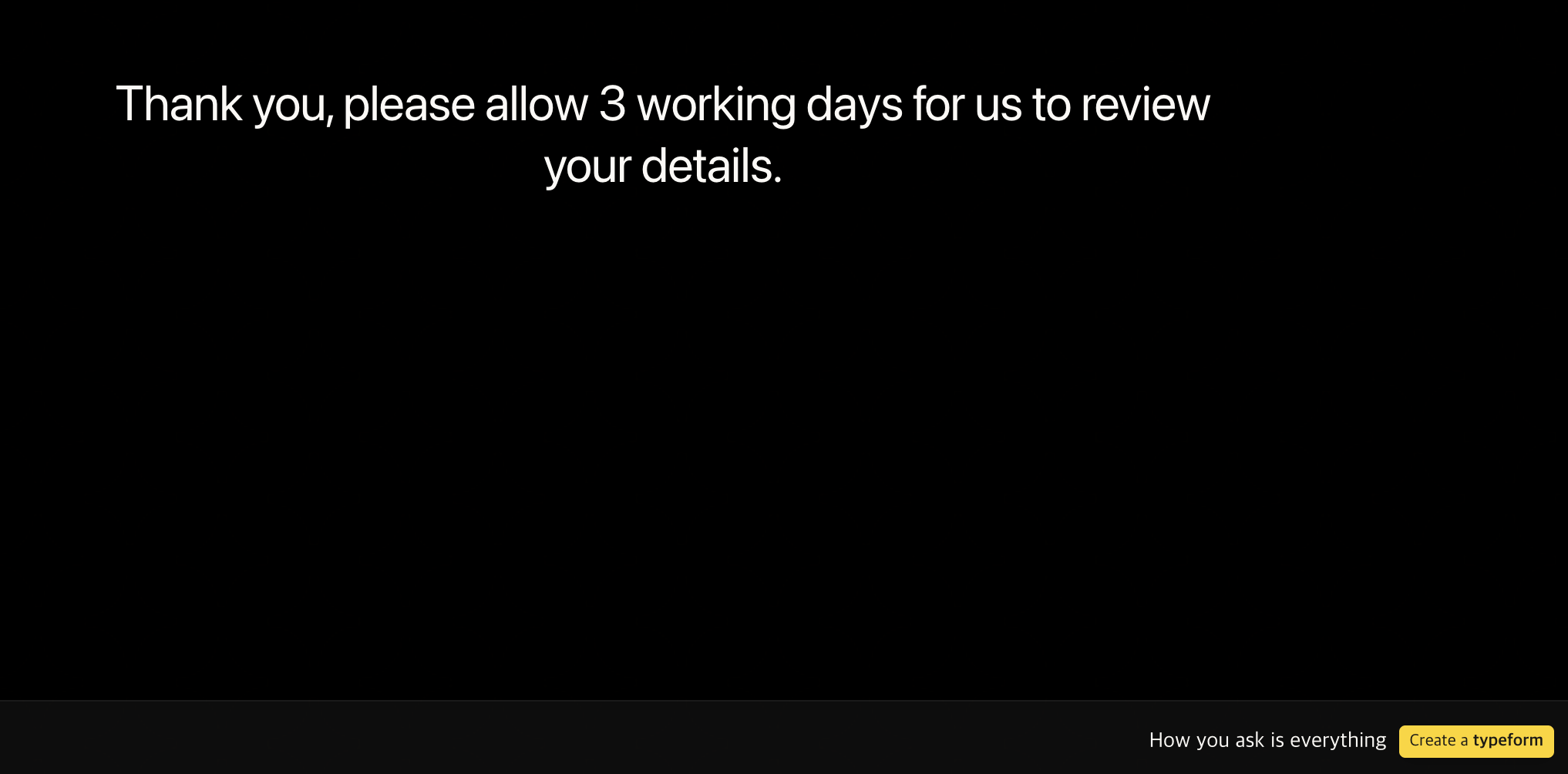
Completion Screen
Conclusion: Tips for Writing a Paddle Domain Review
- Write consistently
- Ensure consistency so that the product overview, delivery method, and revenue projections do not conflict with one another.
- It’s safer to set achievable yet slightly aggressive targets rather than using overly exaggerated numbers.
- For web-based services,
- Clearly using terms like “web-based service,” “SaaS,” or “web application” makes it easier for reviewers to understand.
- Since you can reuse these answers exactly as they are when explaining to investors or partners later,
it’s highly reusable if you organize them this way on a blog or in Notion.
backtodev
A 40-something PM returns to code. Learning, failing, and growing.