Syncing Obsidian on Mobile via Git Was Too Painful, So I Built My Own Note App (RepoNote Dev Log)
Why I Built This: The Pain of Obsidian Mobile + Git
I write my notes in Obsidian and back up the whole vault to a GitHub repo. On desktop, this combo is perfect. The problem is mobile.
Connecting Obsidian to Git on your phone means installing a community plugin, entering a token, cloning the repo... the setup alone isn't trivial. But the real pain comes after that.
The moment a conflict happens, it's hell.
Edit a note on desktop, then edit it again on your phone, and a conflict is basically guaranteed — and staring at <<<<<<< HEAD markers on that tiny screen trying to merge them is not something a human should have to do.
After a few rounds of this, I just stopped taking notes on my phone. What's the point of a note app you stop using to take notes?
So I reached a conclusion.
Phones don't need Git. Just an app where you open it, write, close it, and it auto-commits to GitHub.
That's what became RepoNote. The source is public on GitHub.
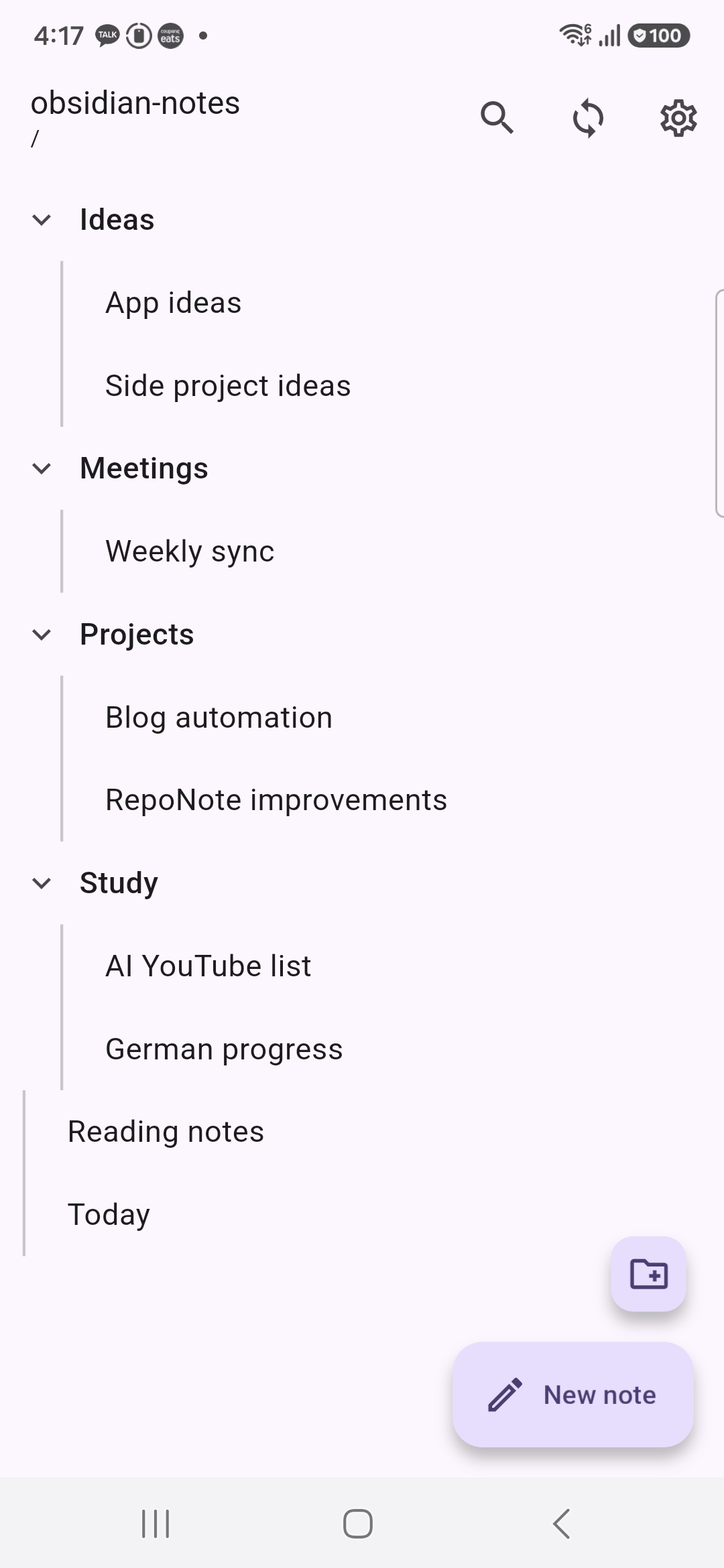
The Core Idea: Contents API, No Git CLI
This app never clones the repo to the phone. No Git CLI, no SSH keys. Instead it uses only the GitHub REST API (Contents API).
| Action | Method |
|---|---|
| List files | GET /repos/{owner}/{repo}/contents/{path} |
| Read a file | Same endpoint (Base64 body + SHA) |
| Save = commit | PUT /repos/.../contents/{path} (message, content, sha) |
| Delete | DELETE /repos/.../contents/{path} |
Every save produces one commit. You don't need the full power of Git — if all you need is "my note lands in the repo," this is enough.
Conflict detection is just as simple. When a file is read, its SHA is remembered. Right before upload, that SHA is compared against the server's current SHA. If they differ, someone else (usually me, on desktop) edited it first — so instead of overwriting, a conflict screen appears with three choices:
- Use the server version
- Overwrite with my version
- Keep both versions as separate files
<<<<<<< HEAD never shows up on the phone anymore.
The First Attempt Was React Native — Then I Scrapped It
This app was actually built in React Native first.
I wrote a detailed spec document up front and started developing straight from it, but the result kept giving me trouble — state got tangled up across screen transitions, native module versions clashed, and builds that worked yesterday broke today... I spent more time chasing errors than writing features.
So I threw it out and rebuilt it from scratch in Flutter, using the exact same spec.
There's one lesson I took away from this.
A well-written spec makes switching frameworks surprisingly cheap.
The spec document already covered screen layout, the data model, the sync policy, and conflict rules in detail. Even with a different framework, "what to build" didn't change — so the Flutter version came together much faster. Building the same thing twice from the same document gave me a real feel for the difference between the two frameworks, and at least for this project, Flutter came out ahead on both build stability and development speed.
Tech Stack
| Area | Choice | Reason |
|---|---|---|
| Framework | Flutter (Material 3) | More stable builds than RN, single codebase |
| State management | flutter_riverpod | Provider overrides make test/demo modes easy |
| Routing | go_router | Declarative routes, handles deep links |
| Networking | dio | Interceptors centralize auth headers and rate limiting |
| Token storage | flutter_secure_storage | Tokens only live in the Keystore — never in DB or logs |
| Local DB | drift (SQLite) | Type-safe queries, managed migrations |
The structure follows Feature-first + Repository pattern. There's one core rule: The UI never touches Dio or the DB directly. Everything flows Screen → Repository → API/DB, and only that direction.
Preventing Data Loss: Local Save Always Comes First
The scariest thing in a note app is "what I wrote just disappeared." So I enforced a strict order.
Input → (600ms debounce) → save draft to local DB → (5s later) → commit to GitHub
Even if the network drops, the app gets force-killed, or the GitHub API fails, the local draft survives. Notes written offline queue up in a pendingUpload state and auto-upload once the connection is back.
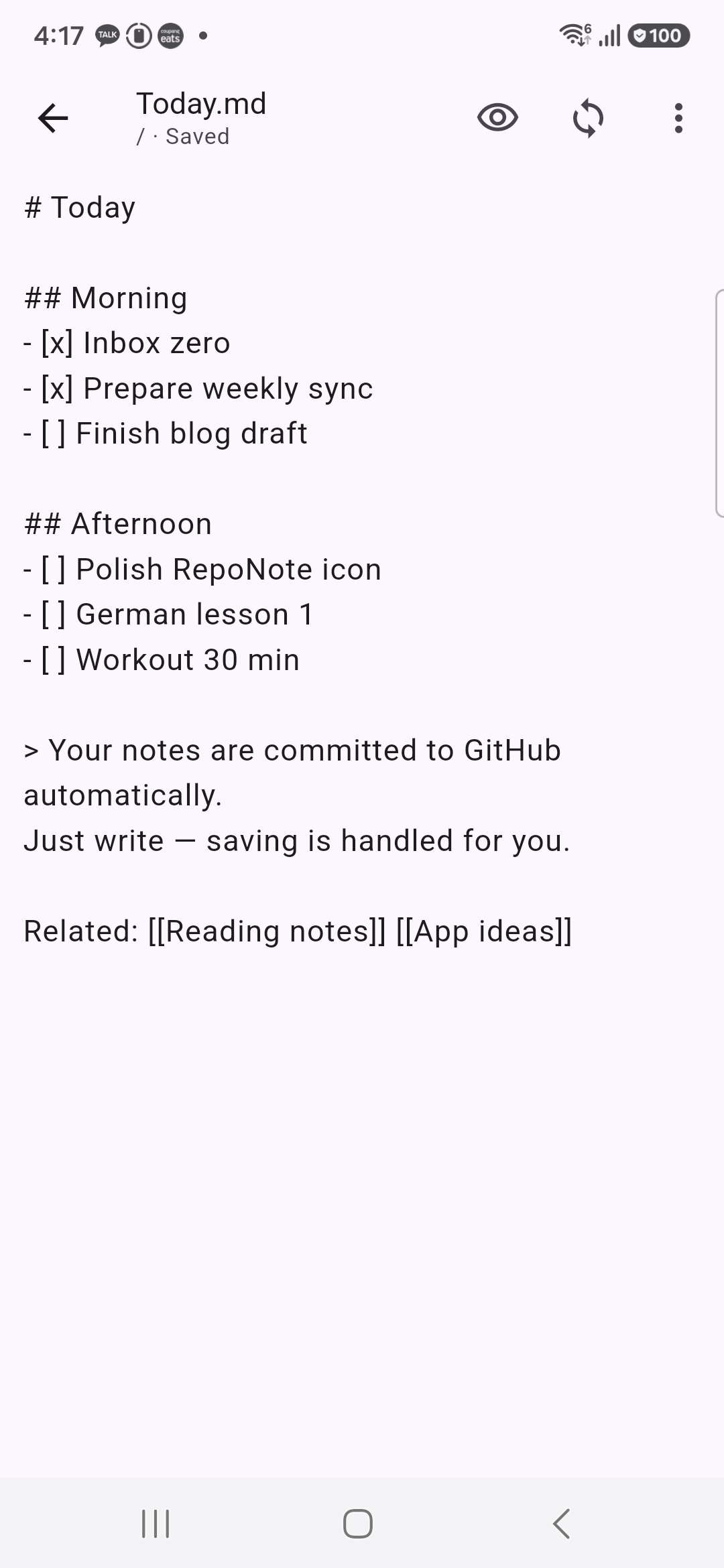
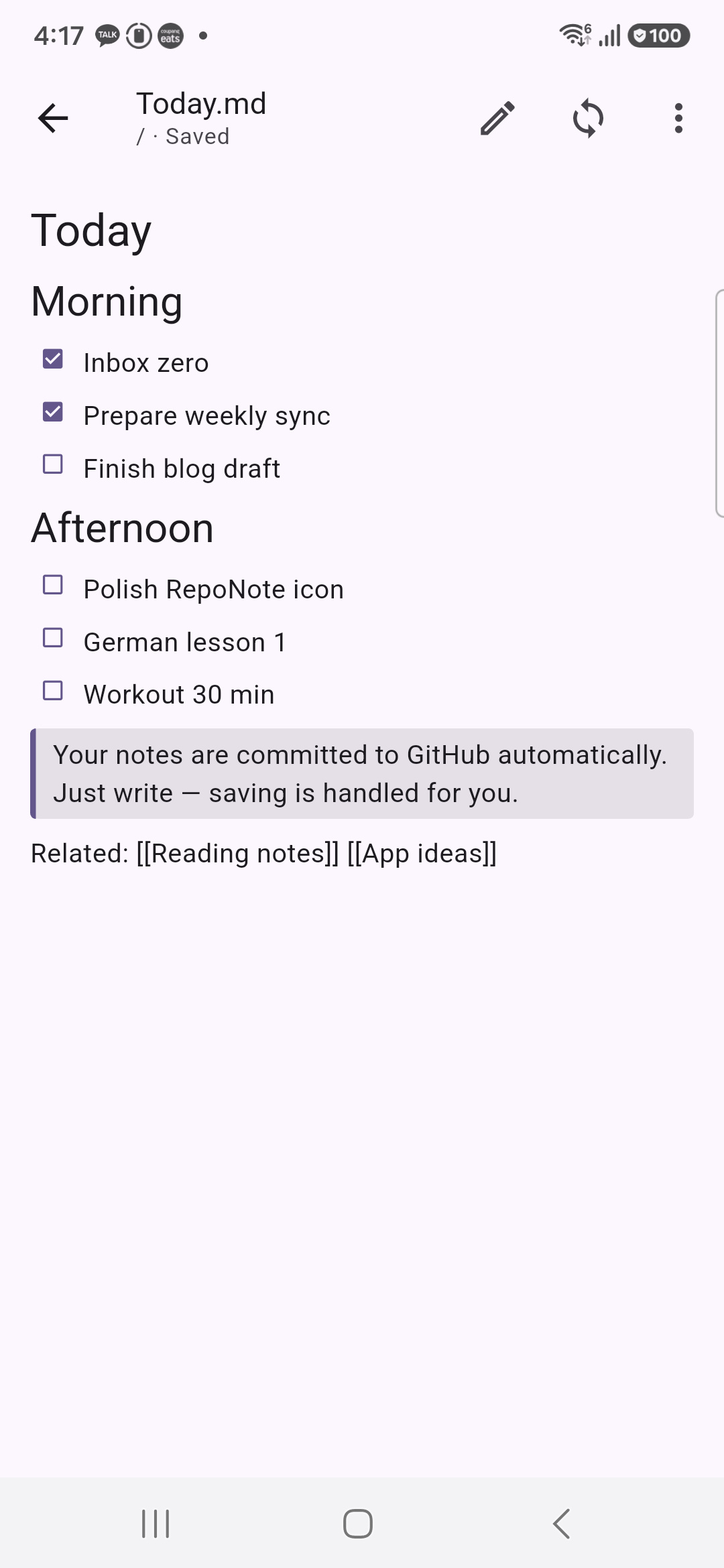
The top of the editor always shows the save state (Saved / Pending sync / Syncing / Offline / Conflict). Markdown preview is supported too, and checklists render properly.
A War Story: New Tokens That Kept Returning 401
One bug I ran into during development is worth sharing.
I revoked a token on GitHub to test things, then registered a new one — and despite it being unambiguously the correct new token, the app kept saying "Invalid token."
The culprit was the Dio interceptor. I'd set it up to automatically attach the stored token to every request — including the "verify new token" request itself, which was being overwritten with the old stored token.
// Before: always overwrites — even the new-token verification goes out with the old token
onRequest: (options, handler) async {
  final token = await tokenProvider();
  options.headers['Authorization'] = 'Bearer $token';
  handler.next(options);
}

// After: leave requests that already specify Authorization alone
onRequest: (options, handler) async {
  if (!options.headers.containsKey('Authorization')) {
    final token = await tokenProvider();
    if (token != null && token.isNotEmpty) {
      options.headers['Authorization'] = 'Bearer $token';
    }
  }
  handler.next(options);
}
The first registration worked fine because there was no stored token yet — the bug only surfaced when swapping tokens, which took a while to track down. If you're centralizing auth headers in an interceptor, always check whether there's an exception path where the header gets set explicitly. I added a regression test after fixing it, too.
Store Prep: A Screenshot-Only Demo Mode
Taking store screenshots with a real account would leak my personal notes. So I built a dedicated screenshot entry point that injects a fake GitHub API.
flutter build apk --release \
  -t lib/screenshots/main_screenshots.dart \
  --dart-define=SCREENSHOT_LOCALE=en
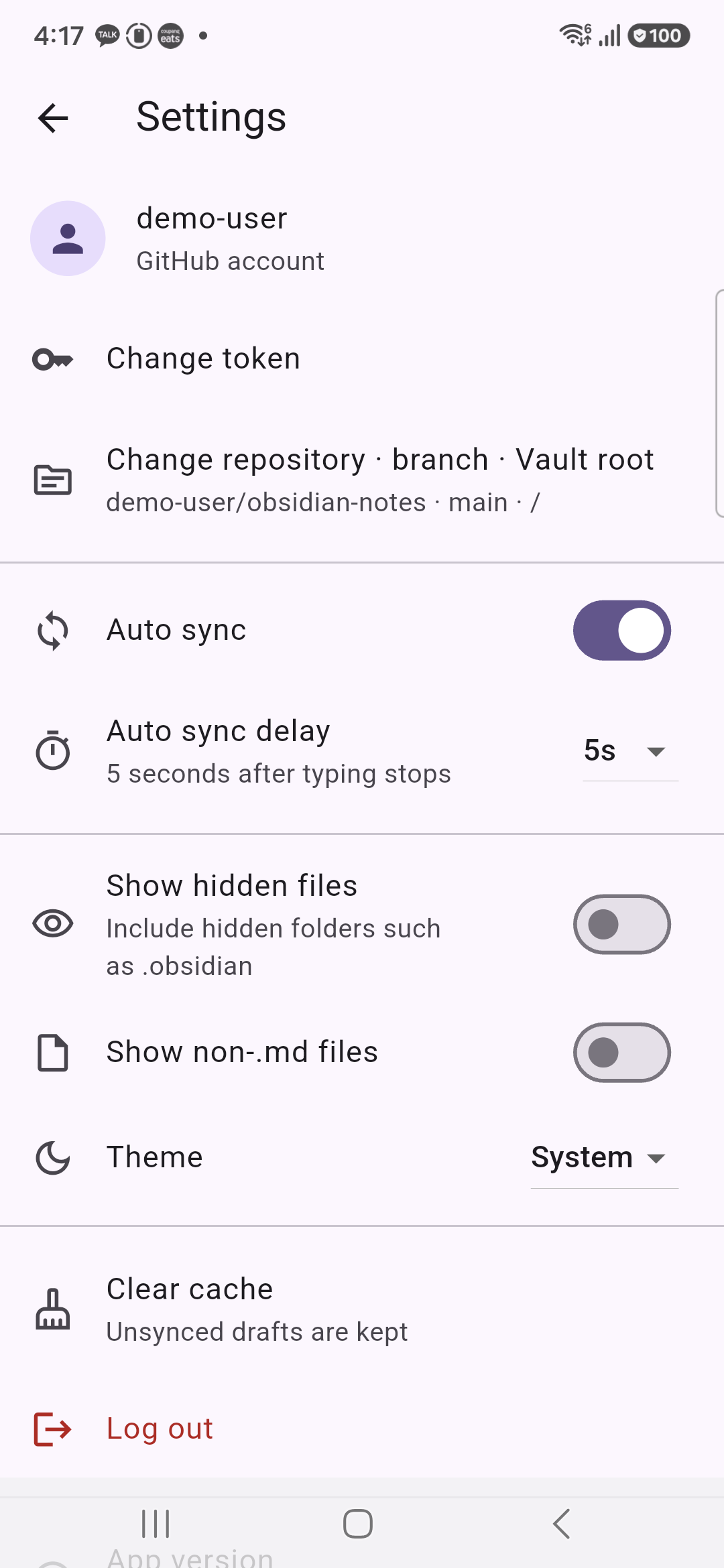
Thanks to Riverpod's provider overrides, swapping out just the API client is enough to run the whole app on demo data. Switching between Korean and English screenshots is a single dart-define flag, which let me knock out all 12 store listing images quickly.
Wrap-Up
| Stage | Summary |
|---|---|
| Problem | Obsidian mobile Git setup is complex, conflict resolution is painful |
| Solution | A note app that auto-commits via the GitHub Contents API, no Git |
| First attempt | React Native — abandoned due to too many errors |
| Second attempt | Rebuilt in Flutter from the same spec — completed |
| Core design | Local-first saves, SHA-based conflict detection, UI/API layer separation |
| Result | Runs on real Android devices, Korean/English support, 29 tests, store-ready |
Whether you use Obsidian or not, if you just want to collect Markdown notes into a GitHub repo, this approach (Contents API + SHA-based conflict detection) is simpler to build than it sounds — worth trying yourself. The full source is at the repo-note repository.
backtodev
A 40-something PM returns to code. Learning, failing, and growing.